Your technology may be working, but is it keeping up with your business? Explore the hidden costs of outdated processes and how to get more value from your existing IT investments.
Your Technology Isn’t Broken. But Has Your Business Outgrown It?
Getting more value from the technology you already have
When technology breaks, it’s usually pretty obvious.
A computer stops working. An application crashes. Employees can’t access the files they need. Someone submits a support ticket, and the problem gets addressed.
But what happens when your technology is working exactly as it always has, and that’s actually the problem?
Businesses change. Teams grow, processes evolve, and the way people work looks different than it did a few years ago.
Technology doesn’t always keep up.
And because nothing is technically broken, it’s easy to overlook the inefficiencies that develop along the way.
But not every business technology problem comes with an error message or a support ticket.
When “It’s Working” Isn’t the Same as “It’s Working Well”
Think about how your business operated three or five years ago.
Maybe you had fewer employees, fewer applications, or a simpler way of managing information. Perhaps everyone worked in the same office, and the systems you had in place were perfectly adequate.
Now, you may have employees working from multiple locations, departments using different applications, and more information being shared across your organization. Artificial intelligence is changing how work gets done, too, creating new opportunities for efficiency while introducing new questions about security, data, and oversight.
But has your technology kept up with all of that change?
It’s common for businesses to make small adjustments as they grow. A new software subscription solves one problem. A spreadsheet helps track another. An employee develops a workaround because the existing process takes too long.
And now, an employee might start using an AI tool to help with everyday tasks without the company’s knowledge or approval. This is known as shadow AI, and it can introduce risks when employees share sensitive information with tools the business hasn’t evaluated or approved.
Want to better understand how AI is already affecting your business?
Explore our free guide, AI in Your Business Right Now, to learn about the opportunities, risks, and practical steps for using AI responsibly.
Individually, these decisions might seem harmless, or even helpful.
Over time, though, they can create an environment that’s more complicated, expensive, and difficult to manage than it needs to be.
And because everyone has learned to work around the friction, it starts to feel normal.
The Hidden Cost of “We’ve Always Done It This Way”
Not every technology problem shows up as downtime.
Sometimes it looks like:
- Employees spending time on repetitive tasks that could be simplified.
- Multiple departments paying for applications that accomplish similar things.
- New employees waiting longer than necessary for access to the tools they need.
- Files scattered across different locations, making collaboration more difficult.
- Inconsistent processes for managing devices and employee access.
- Technology expenses increasing without a clear understanding of the value being received.
None of these situations necessarily means your technology is failing.
But they can cost your business time, money, and productivity.
And those costs tend to grow as your organization grows.
The bigger question isn’t whether your technology still works. It’s whether it’s supporting your business as effectively as it could.
Are You Getting Everything You’re Paying For?
Microsoft 365 is a good example.
For many businesses, Microsoft 365 means email, Word, Excel, and maybe Teams.
But depending on your licensing, your organization may have access to additional capabilities that can help improve collaboration, strengthen security, manage devices, and simplify everyday work.
The challenge is that having access to those capabilities doesn’t automatically mean they’re being used.
Your organization might be paying for separate tools that overlap with capabilities already included in your Microsoft 365 plan.
Or you may have the right licensing in place, but the environment hasn’t been configured to take full advantage of it.
In other cases, your business may have outgrown its current licensing and need additional capabilities to support how employees work today.
The answer isn’t always to purchase more software.
Sometimes it’s about taking a closer look at what you already have, identifying what’s missing, and making sure your technology investments are aligned with your actual business needs.
Security and Productivity Shouldn’t Be Separate Conversations
When businesses evaluate their technology, security and productivity are often treated as two different priorities.
But they’re more connected than they might seem.
Consider employee onboarding.
A good onboarding process should make it easy for a new employee to get the applications, information, and access they need to do their job.
At the same time, it should ensure that access is appropriate, devices are protected, and company information stays secure.
The same is true when an employee leaves.
Removing access quickly and consistently protects the business, but it also makes the transition easier to manage.
Or consider employees working remotely.
They need to be able to collaborate and access information without unnecessary obstacles. But the business also needs confidence that company devices and information are being protected.
These aren’t just IT concerns.
They affect how efficiently your business operates, how well your employees can do their jobs, and how confidently you can grow.
That’s why it’s important to evaluate your technology environment as a whole rather than looking at individual tools in isolation.
Business Technology Optimization Doesn’t Always Mean Spending More
One of the biggest misconceptions about improving technology is that it automatically requires a significant new investment.
Sometimes it does. Businesses grow, requirements change, and new capabilities become necessary.
But improvement can also come from simplifying what you already have.
That might mean consolidating overlapping applications, standardizing how devices are managed, improving employee onboarding, or helping teams make better use of tools they’re already licensed for.
Microsoft 365 Business Premium, for example, brings together productivity applications with additional security and device management capabilities.
For businesses that need those capabilities, it can provide a more consistent foundation for managing and protecting their technology environment.
But the value isn’t simply in having a particular license.
It’s in making sure the technology is properly configured, consistently managed, and supporting the way your business actually operates.
Has Your Business Outgrown Its Technology?
You don’t need to understand every technical detail of your environment to recognize when something could be working better.
Start by asking a few questions:
- Are employees spending too much time working around inefficient processes?
- Do you know whether you’re paying for multiple tools that do the same thing?
- Are company devices and employee access managed consistently?
- Do you know what capabilities are included in your Microsoft 365 licensing?
- And most importantly, are you confident your technology is keeping up with your business?
If you’re unsure about some of those answers, it may be time for a closer look.
At Rouse Consulting Group, we help businesses evaluate how their technology supports their operations, identify opportunities for improvement, and put the right solutions in place.
Because technology doesn’t have to be broken to be holding your business back.
Make More of What You Have
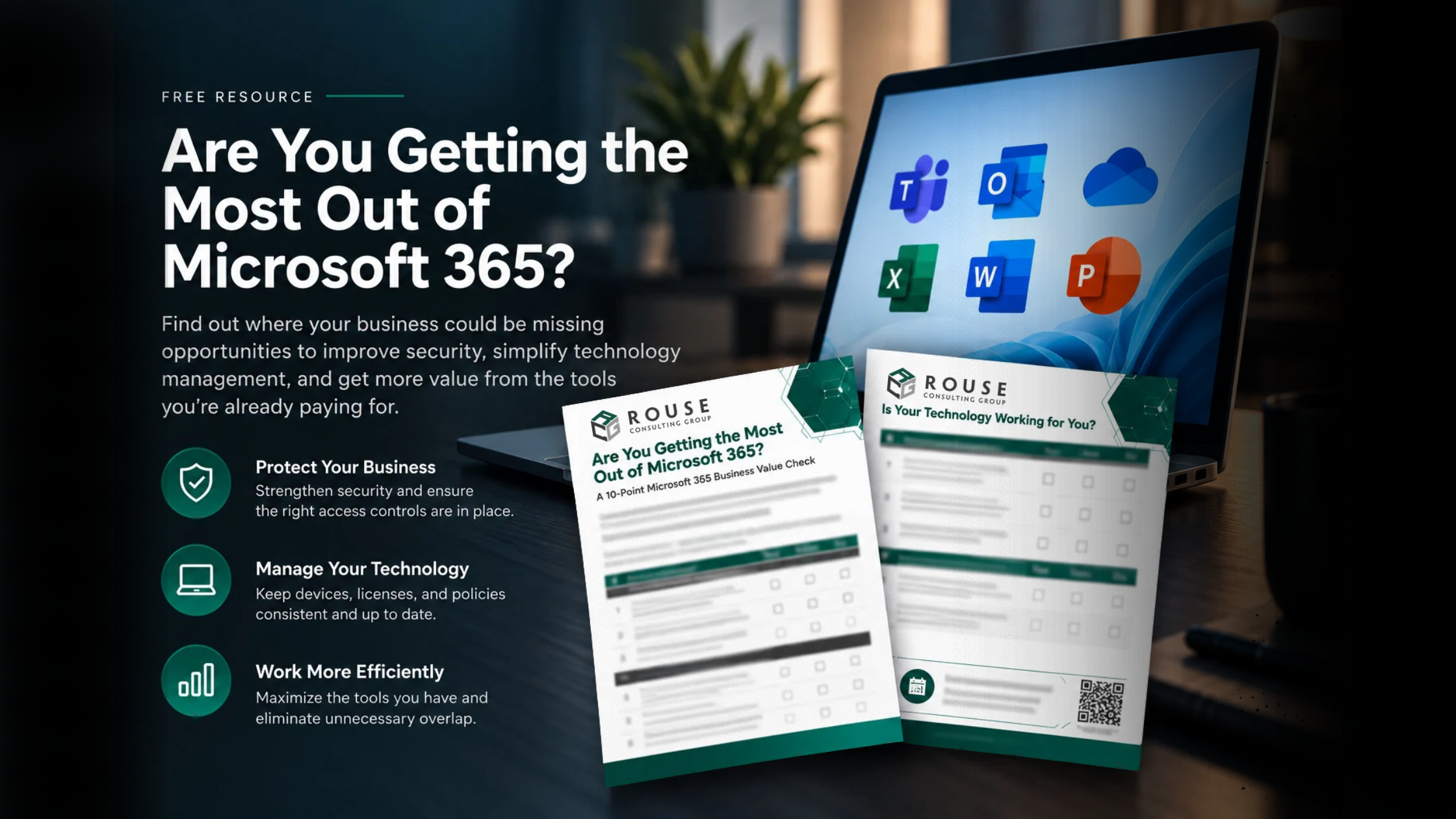
Are you getting the most out of Microsoft 365?
Download our 10-Point Microsoft 365 Business Value Check to explore how your current environment supports security, technology management, and everyday productivity.
Whether you’re looking to simplify your technology, improve security, or better understand your Microsoft 365 investment, RCG can help you identify the next steps.
Download the Microsoft 365 Business Value Check